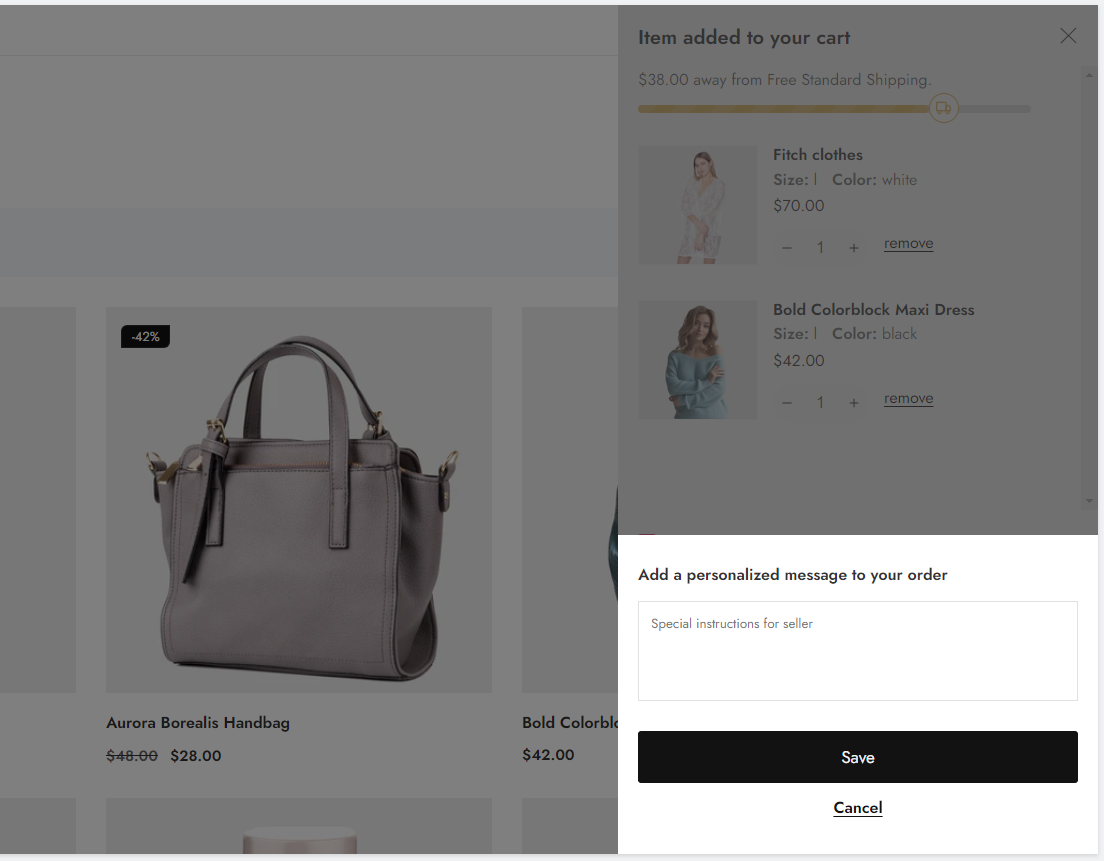
# Add a gift wrap option to your cart
## What is gift wrapping?
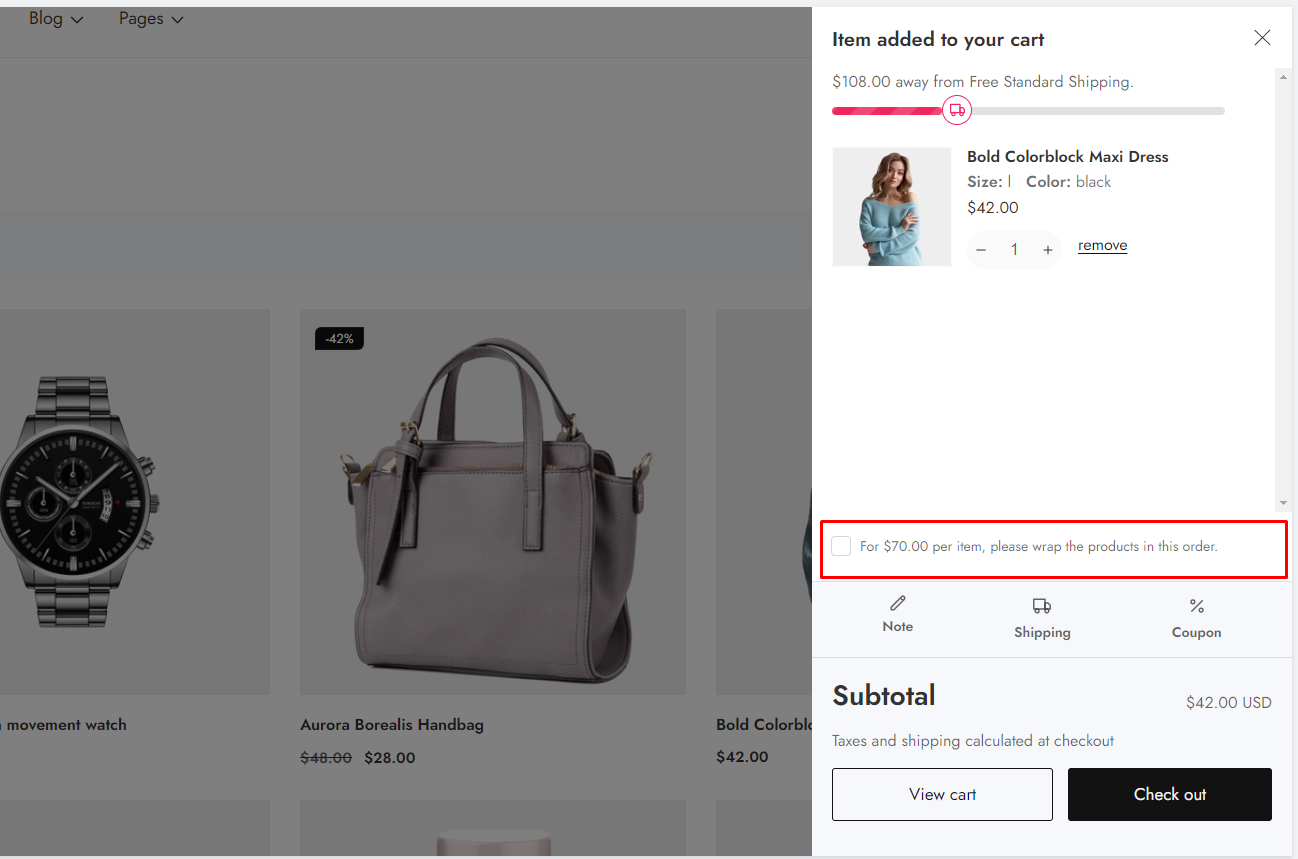
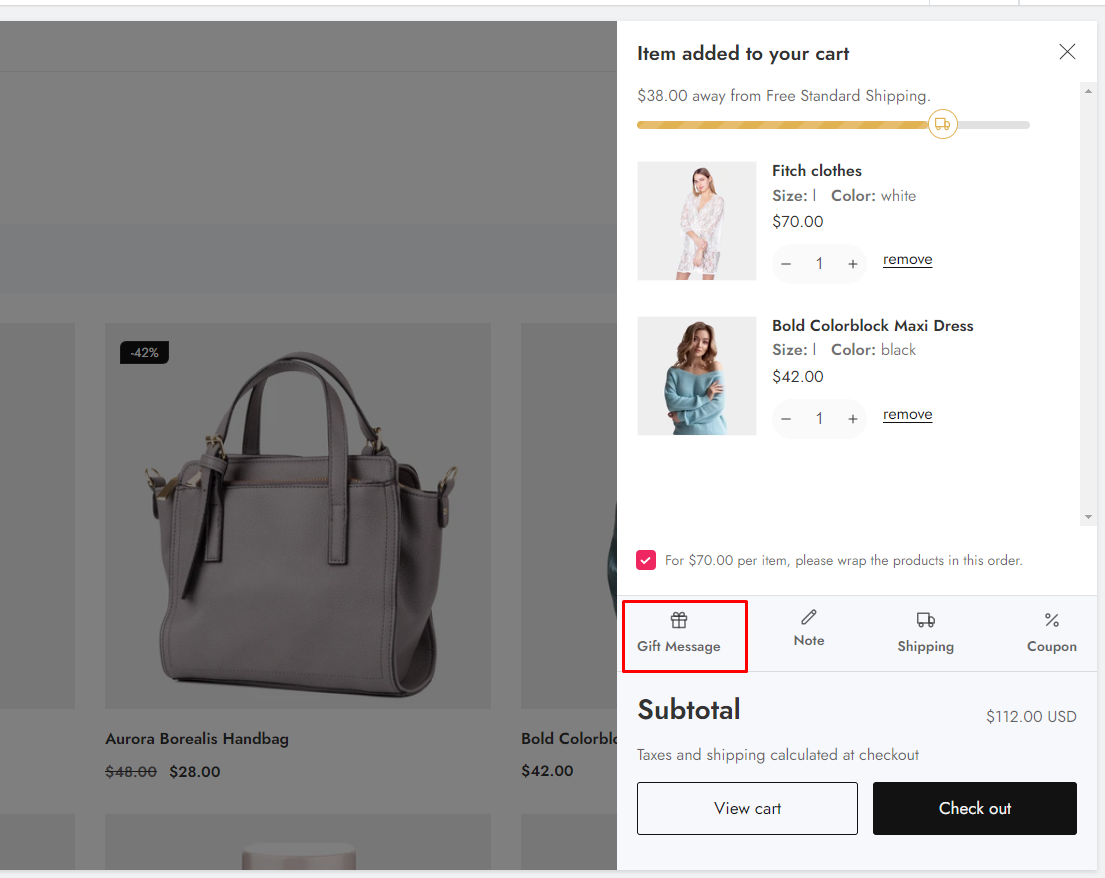
You can provide a gift-wrapping service to your customers through your online store's cart. You can charge a per-product fee to customers who want their order wrapped. Ambaz has a gift wrap option in the cart drawer.
{% hint style="success" %}
**Take the following steps:**
1. Create a gift-wrap product
2. Create a menu
{% endhint %}
### Create a gift-wrap product
First, you will create your gift-wrap option as a product:
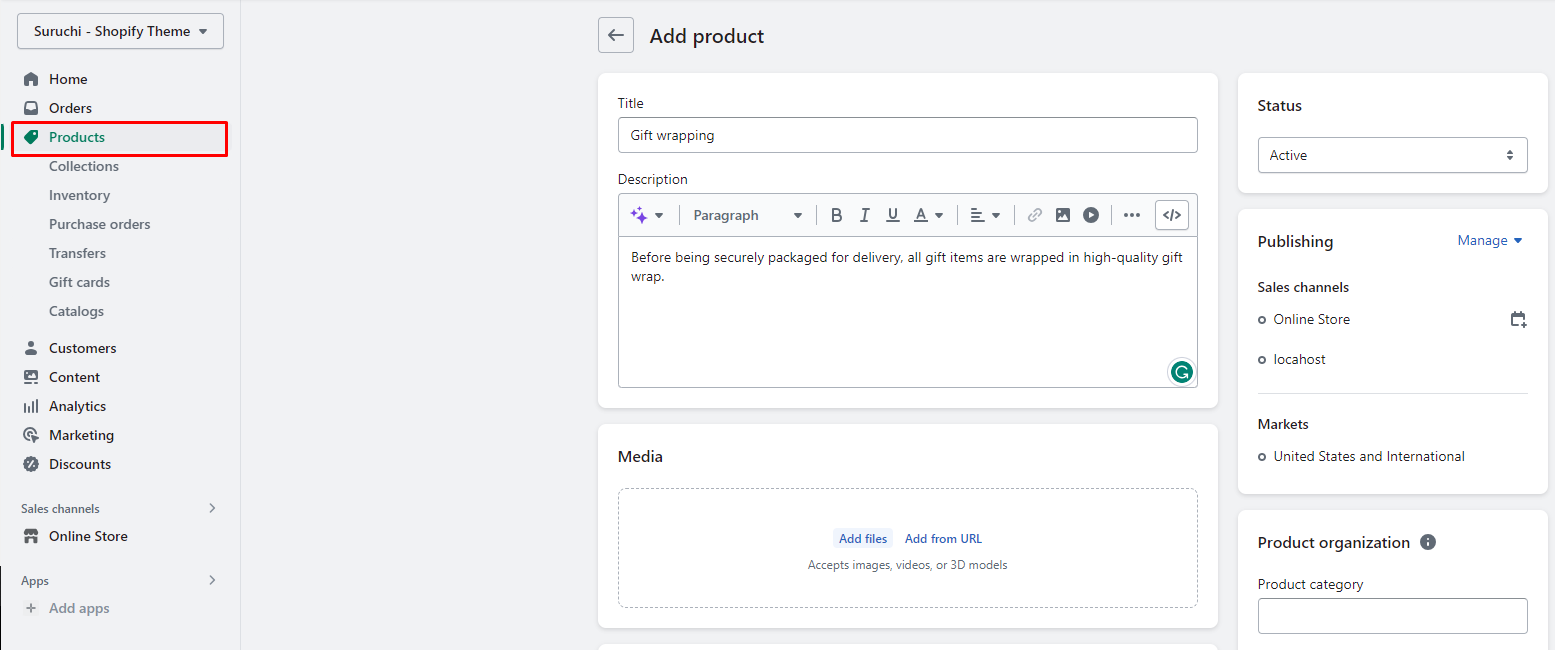
1. From your Shopify admin, go to [**Products**](https://www.shopify.com/admin/products).
2. Click **Add Product**.
3. Create a gift-wrap product [just as you would create any other product](https://help.shopify.com/manual/products/add-update-products):thumbsup:
* You can describe the materials that will be used to "gift-wrap" the items in your product description.
* Put the price you want to charge for the "gift-wrap" product. Set the price of your "gift-wrap" product to 0 if you desire free gift wrapping.
* To show your customers what a "gift-wrapped" order will look like, you can upload an image for the product.
* To prevent Shopify from tracking inventory for the gift-wrap product, make sure your gift-wrap product includes inventory or change the settings. If your store has multiple locations, then uncheck **Track Quantity** to prevent Shopify from tracking inventory for the gift-wrap product.
4\. Click **Save**.
### Create a menu
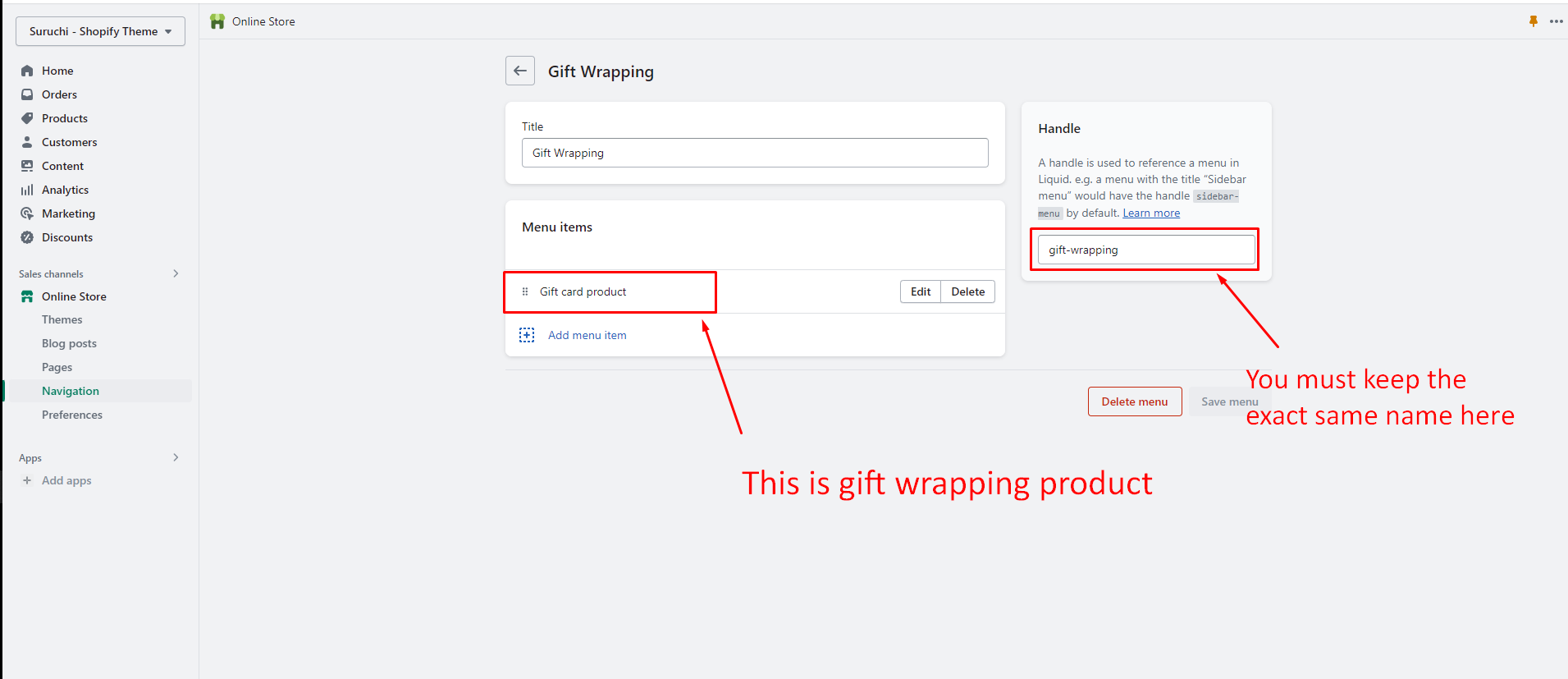
1. From your Shopify admin, go to [**Online Store** > **Navigation**](https://www.shopify.com/admin/menus).
2. Click **Add menu**.
3. Name your menu `Gift wrapping`, so that the handle that's assigned to the menu is `gift-wrapping`.
4. Add the gift-wrap product to the menu:
1. Click **Add menu item**, and then enter a **Name** for the link to the gift-wrap product.
2. In the **Link** field, select **Products**, and then select the gift-wrap product from the drop-down menu.
3. Click **Add**.
5. Click the **Save menu**.
## Demo