# General
{% hint style="success" %}
**Take the following steps:**
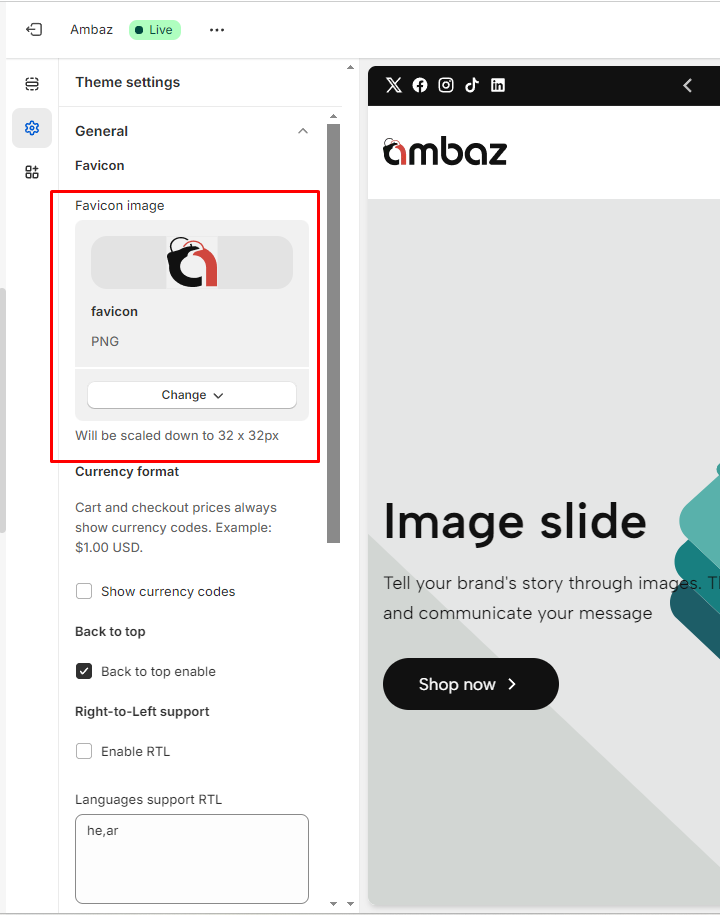
1. In the theme editor (**Customize**), click **Theme settings**
2. Locate **General settings**
3. Make the necessary adjustments.
4. **Save**
{% endhint %}
## How do I add a favicon image?
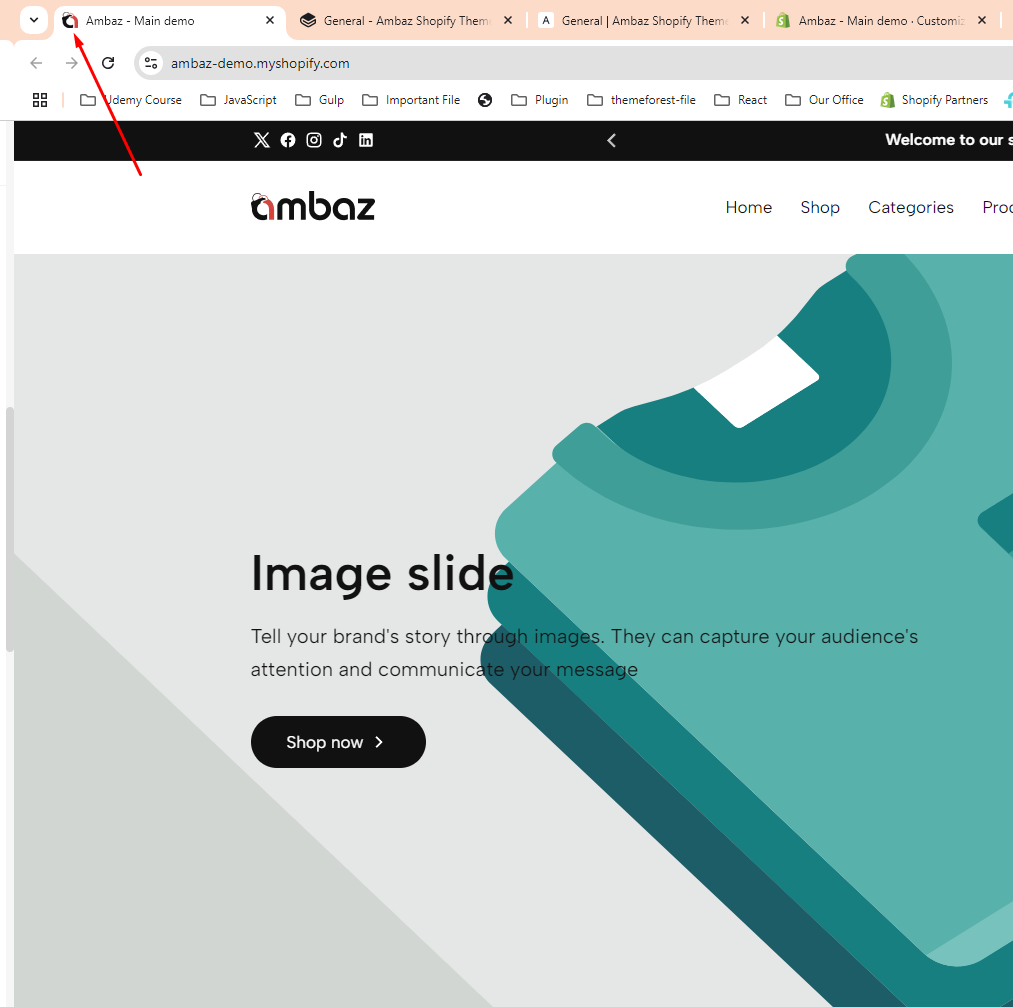
> A favicon, short for "favorite icon," is a small graphic or icon associated with a website. It is typically displayed in the browser's address bar, next to the page title in browser tabs, and in bookmarks or favorites lists. Favicon images are usually square and measure 16x16 pixels or 32x32 pixels, although larger sizes are also supported.
>
> The favicon serves as a visual representation of the website and helps users quickly identify and locate it among their browser tabs or bookmarks. It is often based on the website's logo, symbol, or a simplified version of its branding.
* **Click on the Favicon image to add a Favicon**
## Currency format
* **You show/ hide currency codes**
## Back to top
> The "Back to Top" button is a small, interactive element typically found on websites that allows users to quickly scroll back to the top of a webpage with a single click or tap. It is usually positioned in a fixed location, such as the bottom right or bottom left corner of the screen, and remains visible as the user scrolls down the page.
* You can enable/disable the "**Back to top**" button